
Icons on JotTek help you troubleshoot your computer and allow you to download printable spec-sheets for your system. If you're unsure on what an icon does, you can hover the cursor to view the title and the link that will redirect you.
Please note that this is only available for computer users by browser design. Clicking on the icons in the article will show larger versions in a new tab.
 Really Simple Syndication (RSS) | Allows you to get updates of your favorite websites on your phone with an RSS reader.
 Adobe Acrobat Icon | Downloads a Portable Document File (PDF) of the specsheet dedicated to the system.
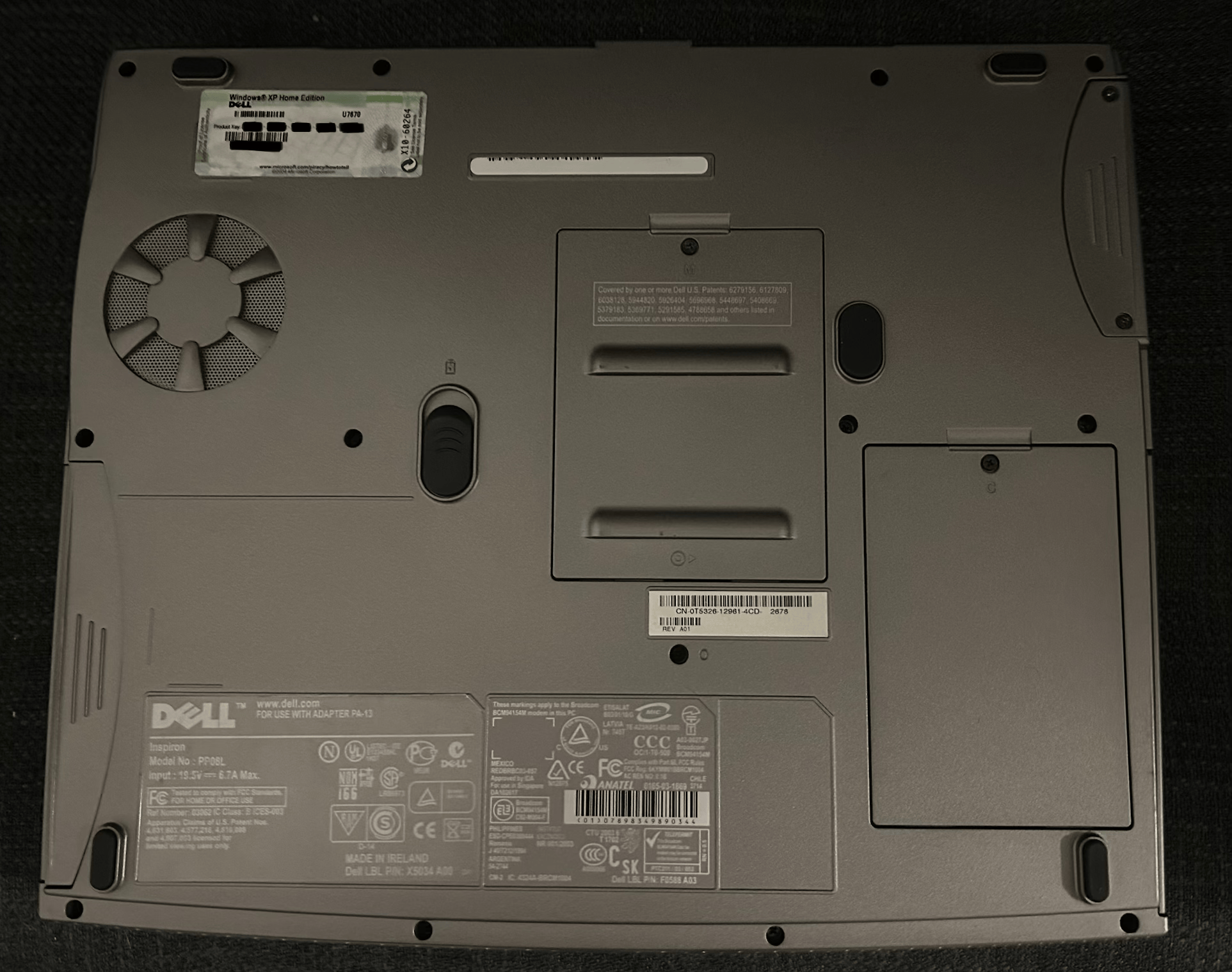 Back | Redirects to the previous or main page.
 Gallery | Only viewable for mobile users to see images and videos of the system.
 Wrench | Opens a new tab of the manufacturers website to download Manuals, Drivers and Firmware Upgrades for the system if available.
 Checksum | Opens a new page to view SHA-256 checksums of Manuals, Drivers and Firmware Upgrades for the system to ensure integrity and identify corruption.